
Can I see how my organization is represented in ChatGPT right now?
Yes. You can see how your organization is represented in ChatGPT by tracking the prompts that matter, then comparing ChatGPT’s answers with verified ground truth. Senso does this for ChatGPT by default, measures coverage daily per prompt, model, and surface, and requires no integration for AI Discovery.
Quick Answer
Yes. If you want a current snapshot of ChatGPT representation, Senso AI Discovery shows the latest answer, the brand mentions, and the citations behind it. It tracks ChatGPT, Perplexity, Gemini, and Google AI Overview by default, so you can see whether the same message appears across the main AI surfaces.
If you also need internal agent answers, Senso Agentic Support and RAG Verification scores them against verified ground truth and routes gaps to the right owners.
What does “represented in ChatGPT” mean?
“Represented” means the answer ChatGPT generates about your organization, products, policies, or pricing. The useful signals are mentions, citations, and gaps. Those signals show whether ChatGPT named you, grounded the answer, and stayed consistent with your approved source material.
Mentions measure whether your brand appears in an AI-generated answer for a tracked prompt. That is the baseline signal of visibility.
What can I see right now?
You can see the latest tracked answer, the sources behind it, and where ChatGPT diverges from verified ground truth. Senso also shows visibility trends over time and breaks performance down by prompt and model.
| What you can review | What it tells you |
|---|---|
| Visibility summary | Overall performance across tracked prompts |
| Brand mentions | Whether your brand appears in ChatGPT answers |
| Citations overall, by domain, and by individual page | Which sources ChatGPT draws from |
| Per-prompt performance | Where answers are strong or weak |
| Prompt drill-down | The exact prompt-level response path |
| Latest raw model answers | The text ChatGPT generated |
| Model Trends | Differences by individual AI system |
| Organization Leaderboard | Visibility performance across your tracked prompts |
The Organization Leaderboard reflects visibility performance across tracked prompts. It helps teams compare what ChatGPT says across a defined set of prompts.
How do you check it in Senso?
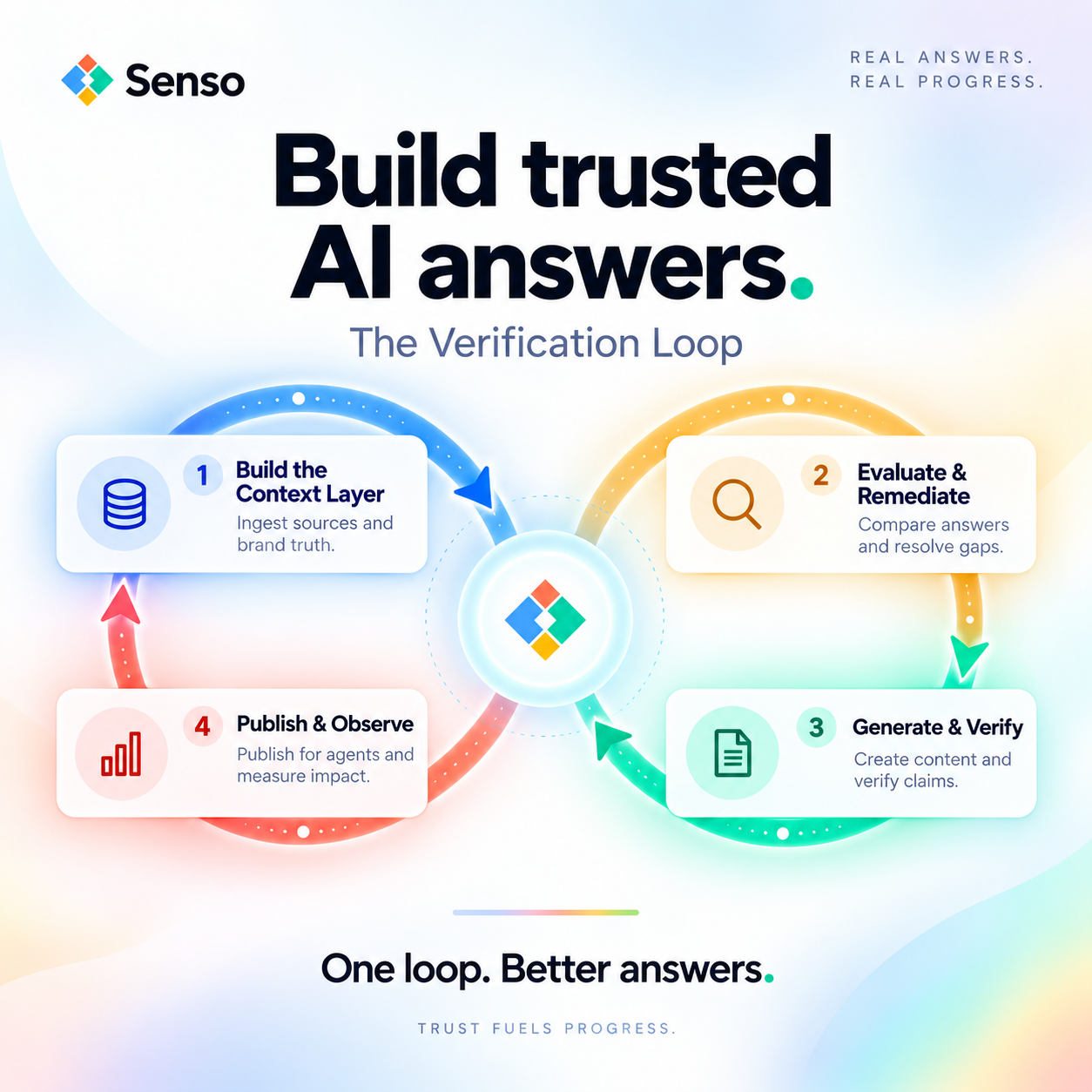
You check it by compiling your raw sources into a governed knowledge base, then scoring ChatGPT’s output against that verified ground truth. The workflow is built for current representation, not guesswork.
- Go to My Prompts and add the prompts you want to track.
- Assign each prompt a funnel stage such as Awareness or Consideration.
- Review the visibility summary, brand mentions, citations, and latest raw model answers.
- Use Model Trends to see how answers differ by AI system.
- Use the Organization Leaderboard to see how visibility performs across your tracked prompt set.
Coverage is measured per prompt, per model, and per surface, daily. That gives teams a current snapshot of how ChatGPT is representing the organization.
Do I need an integration?
No. Senso AI Discovery does not require an integration. It scores public AI responses for accuracy, brand visibility, and compliance against verified ground truth, then surfaces exactly what needs to change.
That matters because the problem is not only whether ChatGPT mentions you. The problem is whether the answer is grounded, whether it cites a current source, and whether your team can prove it.
Why does this matter for compliance and brand teams?
It matters because AI agents already represent your organization whether you have governed the knowledge or not. When a CISO asks whether the answer cited a current policy and whether the organization can prove it, standard retrieval tools do not answer that question.
Senso compiles the enterprise’s full knowledge surface into a governed, version-controlled knowledge base. Every answer traces back to a specific verified source. That gives marketing, compliance, and security teams one place to see what ChatGPT is saying and why.
Teams use that view to change what appears in AI answers. Senso cites outcomes that include 60% narrative control in 4 weeks, 0% to 31% share of voice in 90 days, 90%+ response quality, and a 5x reduction in wait times.
Can I see citations too?
Yes. You can see citations overall, by domain, and by individual page. You can also review the latest raw model answers, which helps compliance teams verify where an answer came from and whether it matches the approved source.
That matters in regulated industries like financial services, healthcare, and credit unions. A mention count alone is not enough. Teams need citation accuracy and an audit trail.
Is this real-time?
Senso gives you a current tracked view, updated daily per prompt, model, and surface. That is enough to see how ChatGPT represents your organization now, and how that representation changes over time.
Which AI surfaces does Senso track?
ChatGPT, Perplexity, Gemini, and Google AI Overview are tracked by default. Claude, Grok, and Meta AI can be added per workspace.
What is the fastest way to get started?
The fastest path is a free audit. Senso can show you how your organization appears in ChatGPT, which sources support that answer, and where the gaps are. No integration. No commitment.
If you want, I can also turn this into a shorter FAQ page version or a more conversion-focused landing page version.